
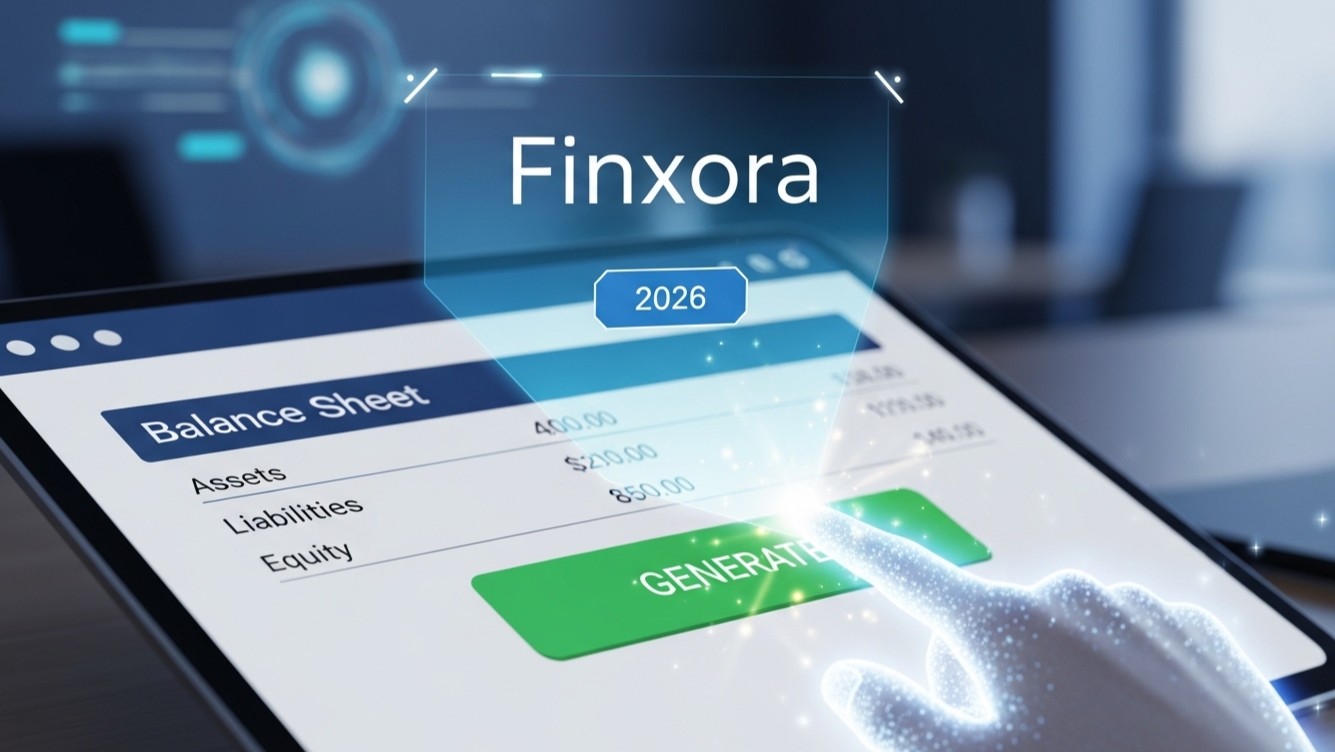

Introduction to Finxora: The Future of Balance Sheet Generation
You see, You see, In the rapidly evolving field of finance, efficiency and accuracy are top. By 2026, manual balance sheet preparation will be a relic of the past, thanks to AI-powered platforms like Finxora. This tutorial provides a step-by-step guide to using Finxora to generate balance sheets instantly, freeing up valuable time and resources for thought-out decision-making. We'll explore Finxora's key features, data integration features. Also, the process of creating a balance sheet with just a few clicks.
What is Finxora?
You see, Finxora is an advanced accounting platform leveraging artificial intelligence and machine learning to automate different financial processes, including balance sheet generation, financial forecasting. Also, risk management. Designed for businesses of all sizes, Finxora aims to simplify complex accounting tasks and provide real-time understanding into financial performance.
Step-by-Step Tutorial: Generating a Balance Sheet with Finxora
You see, Follow these steps to generate a balance sheet automatically using Finxora:
Step 1: Account Setup and Data Integration
The first step is to create an account on the Finxora platform. The registration process is straightforward, requiring basic business information and contact details. Once your account is created, you'll need to integrate your financial data into Finxora. Finxora supports different data integration methods:
- Direct Bank Feeds: Connect your bank accounts directly to Finxora for automatic transaction import.
- Accounting Software Integration: Smoothly integrate with popular accounting software like QuickBooks, Xero. Also, NetSuite.
- Manual Data Upload: Upload financial data in CSV or Excel format.
Make sure all relevant accounts are mapped correctly to their corresponding categories (e.g., cash, accounts receivable, inventory, etc.) within Finxora's chart of accounts.
Step 2: Data Validation and Reconciliation
So, In fact, Before generating the balance sheet, it's important to validate and reconcile your financial data. Finxora offers built-in tools to help you identify and correct discrepancies:
- Automated Reconciliation: Finxora automatically matches transactions with bank statements, highlighting any discrepancies.
- Variance Analysis: Identify significant variances in account balances compared to previous periods.
- Error Detection: Finxora flags potential errors, such as duplicate entries or incorrect account classifications.
So, Deal with any identified issues to make sure the accuracy of your financial data. Accuracy here is main for a reliable balance sheet.
Step 3: Initiating Balance Sheet Generation
You see, Here's the thing: Once your data is validated and reconciled, you can proceed to generate the balance sheet. Handle to the 'Reports' section in Finxora and select 'Balance Sheet'. You will be prompted to specify the reporting period (e.g., month-end, quarter-end, year-end). Click the 'Generate' button to start the balance sheet generation process.
Step 4: Reviewing the Generated Balance Sheet
In fact, So, Finxora will automatically generate the balance sheet based on your integrated financial data. The balance sheet will usually include the following sections:
- Assets: Current assets (cash, accounts receivable, inventory) and non-current assets (property, plant. Also, equipment, intangible assets).
- Liabilities: Current liabilities (accounts payable, short-term debt) and non-current liabilities (long-term debt, deferred revenue).
- Equity: Retained earnings, common stock. Also, other equity components.
Carefully review the generated balance sheet to make sure accuracy and completeness. Pay close attention to key financial ratios and metrics, such as the current ratio and debt-to-equity ratio.
Step 5: Customization and Exporting
You see, Finxora allows you to customize the balance sheet to meet your specific reporting needs. You can:
- Adjust Formatting: Change the font, colors. Also, layout of the balance sheet.
- Add Notes: Include explanatory notes to provide context for specific line items.
- Filter Data: Filter the balance sheet to focus on specific segments or departments.
Once you are satisfied with the balance sheet, you can export it in different formats, including PDF, Excel. Also, CSV. You can also share the balance sheet directly with stakeholders through Finxora's secure sharing features.
Advanced Features of Finxora for Balance Sheet Analysis
Here's the thing: Here's the thing: Beyond basic balance sheet generation, Finxora offers advanced features for in-depth financial analysis:
Trend Analysis
Finxora can automatically generate trend reports, comparing balance sheet data over multiple periods. This allows you to identify trends and patterns in your financial performance, such as changes in asset turnover or debt levels.
Ratio Analysis
Finxora calculates key financial ratios directly from the balance sheet data, providing ideas into your company's liquidity, solvency. Also, profitability. You can customize the ratio calculations to focus on specific metrics relevant to your industry.
Forecasting and Scenario Planning
Finxora integrates with forecasting models, allowing you to project future balance sheet positions based on different assumptions. This enables you to conduct scenario planning and assess the potential impact of different business decisions on your financial health.
Benefits of Using Finxora for Balance Sheet Generation
In fact, Adopting Finxora for balance sheet generation offers many benefits:
- Increased Efficiency: Automate the balance sheet preparation process, saving time and resources.
- Improved Accuracy: Reduce the risk of human error and make sure the accuracy of your financial data.
- Real-Time Ideas: Gain access to real-time financial information for better decision-making.
- Enhanced Collaboration: Share balance sheets and financial reports securely with stakeholders.
- Cost Savings: Reduce the need for manual accounting labor and improve when you zoom out financial efficiency.
Conclusion: Embracing the Future of Accounting with Finxora
Finxora represents the future of accounting, offering a powerful and intuitive platform for automating balance sheet generation and other financial processes. By embracing AI-powered fixes like Finxora, businesses can open up significant efficiency gains, improve accuracy. Also, gain deeper ideas into their financial performance. As we move closer to 2026, platforms like Finxora will become essential tools for finance professionals wanting to stay ahead in an increasingly competitive scene. The ability to generate balance sheets automatically will not only save time but also enable businesses to make more informed and thought-out decisions.
See Finxora Pricing